
Lazy Loading Images Without JavaScript
Every current browser can load images only when they are about to scroll into view — with one attribute. No lazy-load library, no placeholder tricks, and the real image URL stays in the HTML where search engines find it.
- JavaScript
- 0 KB
- Built with
loading="lazy",fetchpriority,width/height- Browsers
- All current browsers, for images and iframes
- Updated
Add loading="lazy" to every <img> that isn't visible when the page opens, and give each image width and height. The browser then loads it shortly before it scrolls into view. Don't lazy-load the main image at the top — give it fetchpriority="high" instead.
Live demo
Six illustrations in a scrolling strip. The first is visible at once and loads normally; the other five carry loading="lazy". Don't expect to see them pop in: browsers start loading lazy images well before they become visible — Chrome at about 1,250 pixels away, 2,500 on slow connections — so in a short strip they are ready before you get there. That is the idea: on a long page, the images nobody scrolls down to are never downloaded, and nobody sees a gap. The grey box shows the space each image reserves while it loads.
-
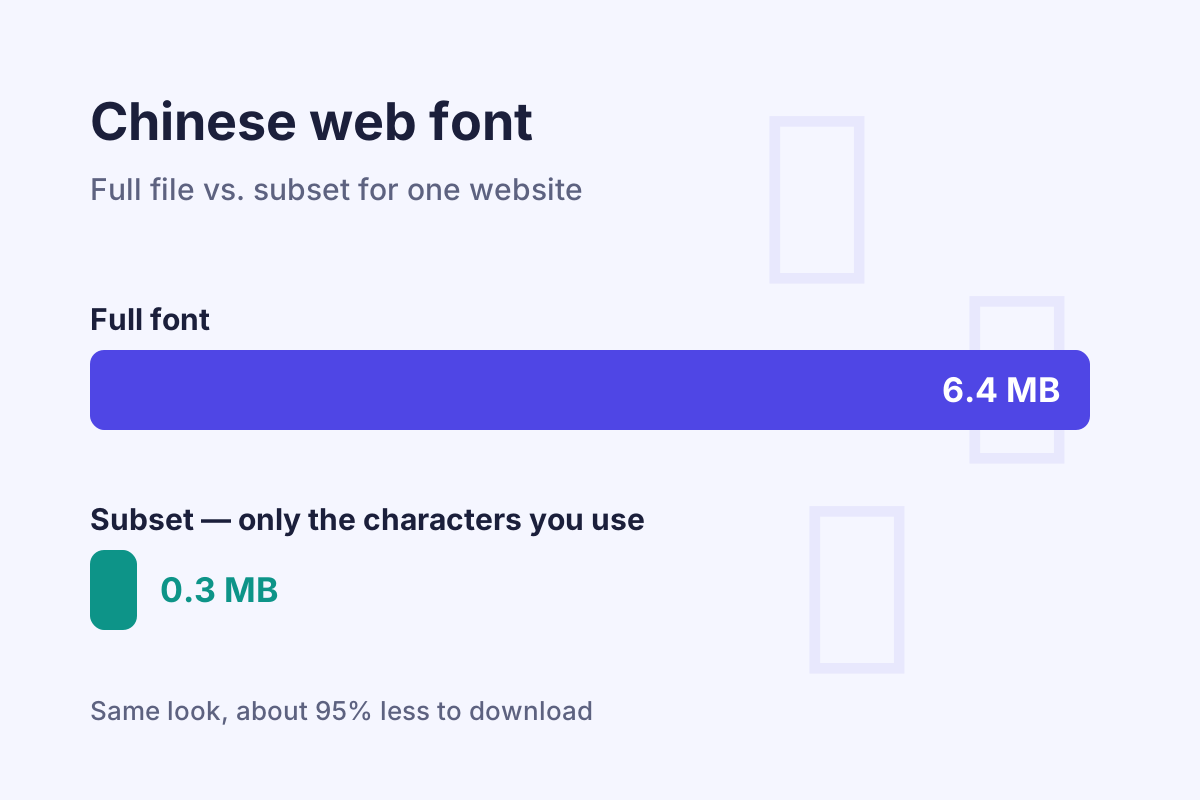
Visible at once: no loadingattribute · Font subset tool -
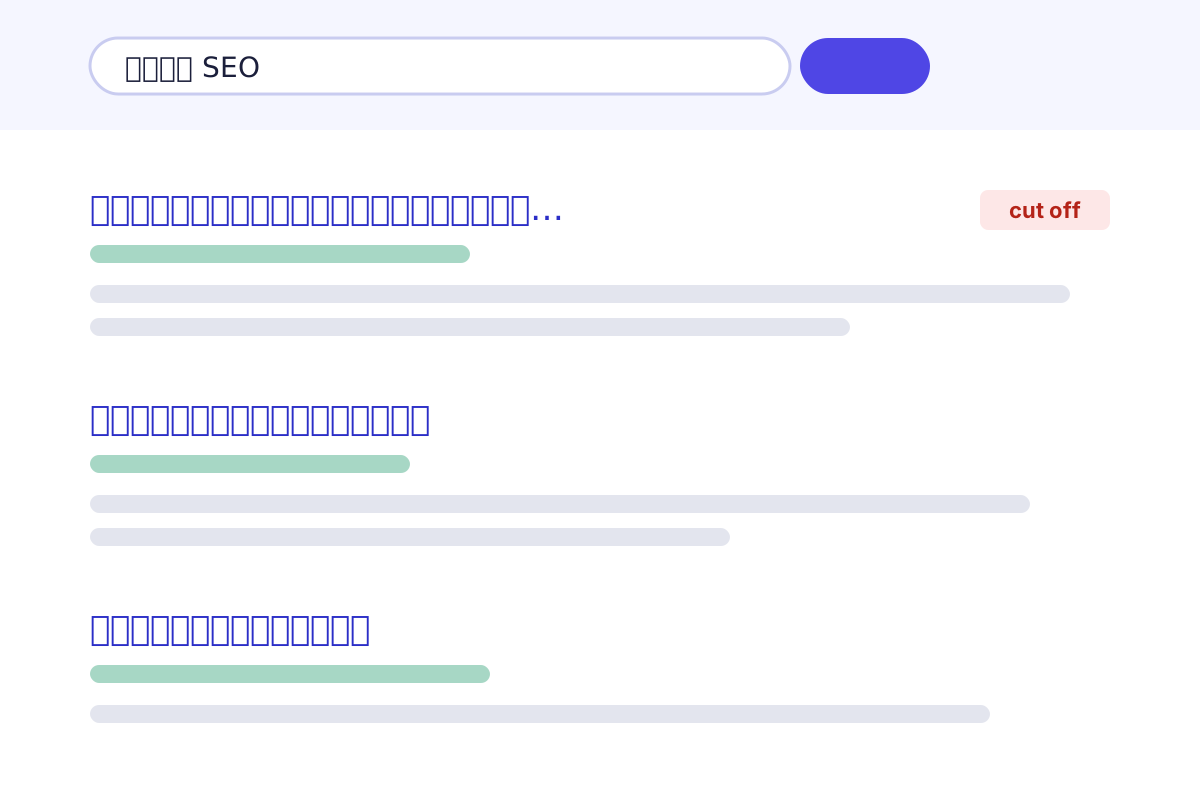
loading="lazy"· Baidu SERP preview -

loading="lazy"· Pinyin slug generator -
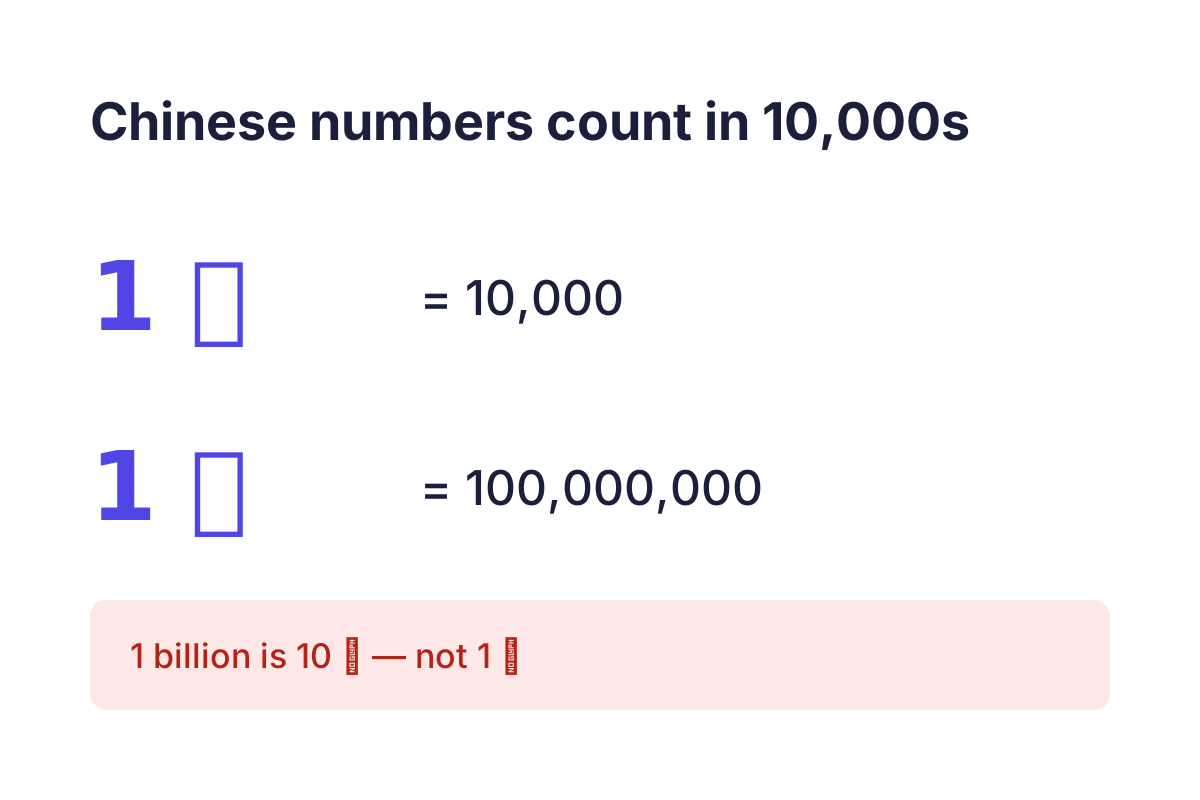
loading="lazy"· Chinese number converter -
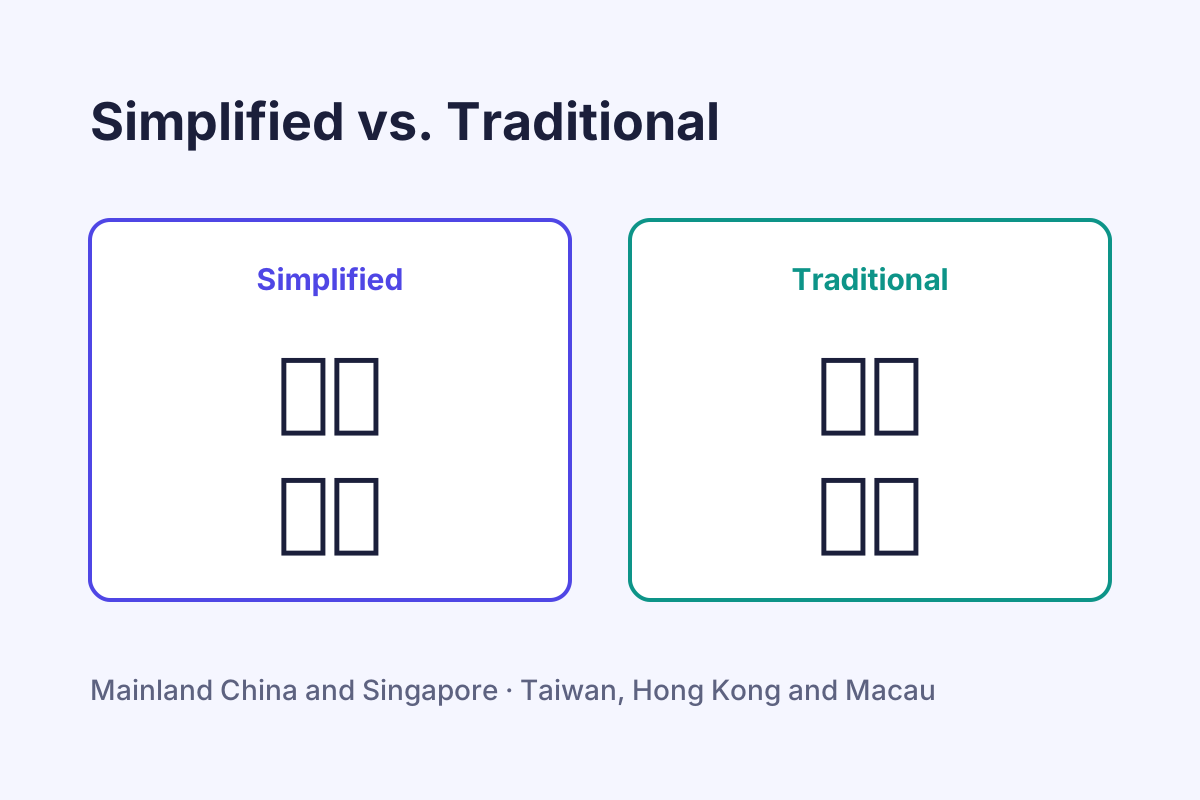
loading="lazy"· Simplified → Traditional -
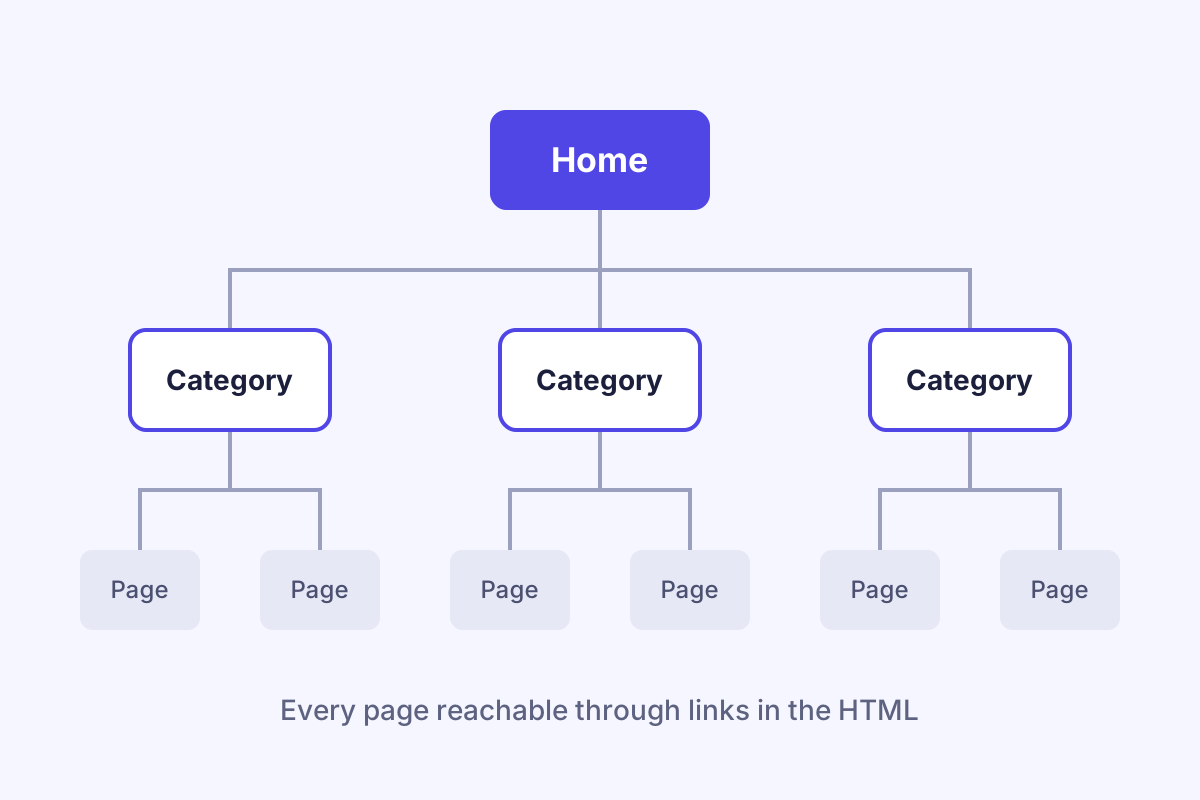
loading="lazy"· Breadcrumbs pattern
How native lazy loading works
loading="lazy"waitsThe browser doesn't download the image with the rest of the page. It starts when the image comes within a set distance of the visible area — in Chrome about 1,250 pixels, 2,500 on slow connections — so it is usually ready before anyone sees it. Images far down a long page are only fetched if someone scrolls there.
widthandheightreserve spaceWith both attributes, the browser knows the aspect ratio before the file arrives and keeps the right space free. Without them, text jumps when images load — bad for readers and for Core Web Vitals.
- The real URL stays in
srcNothing is hidden in a
data-attribute. Browsers, crawlers and RSS readers all see the actual image. - Don't lazy-load what is visible at once
The first image here — and the main image at the top of any page — loads normally. Lazy-loading it would only delay the most important picture.
fetchpriority="high"for the main imageIt tells the browser to download your hero image before other files. That often improves the Largest Contentful Paint, the Core Web Vital for loading speed.
decoding="async"as a small extraIt lets the browser decode large images without holding up the rest of the page. Harmless and optional.
Copy the HTML and CSS
Exactly the code running in the demo. All class names start with ui-.
<ul class="ui-lazy" tabindex="0" aria-label="Six illustrations, loaded as you scroll">
  <li>
    <figure>
      <img src="/lab/css-first-ui/img/font-subset.svg" width="1200" height="800" alt="A full Chinese web font of 6.4 MB next to a 0.3 MB subset">
      <figcaption>Visible at once: no <code>loading</code> attribute · <a href="/tools/chinese-font-subset/">Font subset tool</a></figcaption>
    </figure>
  </li>
  <li>
    <figure>
      <img src="/lab/css-first-ui/img/search-result.svg" width="1200" height="800" loading="lazy" decoding="async" alt="Chinese search results with a title that is cut off">
      <figcaption><code>loading="lazy"</code> · <a href="/tools/baidu-serp-preview/">Baidu SERP preview</a></figcaption>
    </figure>
  </li>
  <li>
    <figure>
      <img src="/lab/css-first-ui/img/pinyin-url.svg" width="1200" height="800" loading="lazy" decoding="async" alt="The title 工业水泵 turned into the URL slug gongye-shuibeng">
      <figcaption><code>loading="lazy"</code> · <a href="/tools/pinyin-slug-generator/">Pinyin slug generator</a></figcaption>
    </figure>
  </li>
  <li>
    <figure>
      <img src="/lab/css-first-ui/img/chinese-numbers.svg" width="1200" height="800" loading="lazy" decoding="async" alt="1 万 is 10,000 and 1 亿 is 100,000,000">
      <figcaption><code>loading="lazy"</code> · <a href="/tools/chinese-number-converter/">Chinese number converter</a></figcaption>
    </figure>
  </li>
  <li>
    <figure>
      <img src="/lab/css-first-ui/img/simplified-traditional.svg" width="1200" height="800" loading="lazy" decoding="async" alt="汉字 and 网站 in Simplified Chinese next to 漢字 and 網站 in Traditional Chinese">
      <figcaption><code>loading="lazy"</code> · <a href="/tools/simplified-to-traditional/">Simplified → Traditional</a></figcaption>
    </figure>
  </li>
  <li>
    <figure>
      <img src="/lab/css-first-ui/img/site-structure.svg" width="1200" height="800" loading="lazy" decoding="async" alt="A website as a tree: home page, categories and pages">
      <figcaption><code>loading="lazy"</code> · <a href="/lab/css-first-ui/breadcrumb-navigation-schema/">Breadcrumbs pattern</a></figcaption>
    </figure>
  </li>
</ul>/* Lazy-loaded image strip — no JavaScript.
loading="lazy" is all it takes; width and height reserve
the space, so nothing jumps when an image arrives. */
.ui-lazy {
display: flex;
gap: 1rem;
margin: 0;
padding: 0.25rem 0.25rem 1rem;
list-style: none;
overflow-x: auto;
scroll-snap-type: x mandatory;
scrollbar-width: thin;
font: 400 0.875rem/1.5 system-ui, -apple-system, "Segoe UI", sans-serif;
}
.ui-lazy:focus-visible {
outline: 2px solid #4f46e5;
outline-offset: 4px;
border-radius: 12px;
}
.ui-lazy li {
flex: 0 0 min(20rem, 80%);
scroll-snap-align: start;
}
.ui-lazy figure {
margin: 0;
overflow: hidden;
border-radius: 12px;
background: #fff;
}
.ui-lazy img {
display: block;
width: 100%;
height: auto; /* with the width/height attributes = correct aspect ratio */
background: #e8eaf4; /* grey box until the image has loaded */
}
.ui-lazy figcaption {
padding: 0.75rem 0.9rem;
color: #4b5070;
}
.ui-lazy figcaption a {
color: #4f46e5;
font-weight: 600;
}
.ui-lazy code {
font-size: 0.9em;
}Plugin versus native: the difference in one example
<!-- Typical lazy-load plugin: the real image hides in data-src.
     Without the script, browsers and many crawlers only get the placeholder. -->
<img class="lazyload" src="/images/placeholder.gif"
     data-src="/images/product.jpg" alt="Industrial water pump">

<!-- Native lazy loading: the real image is in src, from the first byte -->
<img src="/images/product.jpg" loading="lazy" decoding="async"
     width="800" height="600" alt="Industrial water pump">
The main image, responsive images and iframes
<!-- The main image at the top of the page: never lazy.
     fetchpriority="high" tells the browser to load it first. -->
<picture>
  <source type="image/avif"
          srcset="/images/hero-800.avif 800w, /images/hero-1600.avif 1600w"
          sizes="100vw">
  <img src="/images/hero-1600.jpg"
       srcset="/images/hero-800.jpg 800w, /images/hero-1600.jpg 1600w"
       sizes="100vw" width="1600" height="900"
       fetchpriority="high" alt="Describe what the picture shows">
</picture>

<!-- Embedded maps and videos can be lazy too -->
<iframe src="https://player.example.com/video/123" loading="lazy"
        width="560" height="315" title="Product video"></iframe>
The last two blocks use example paths — replace them with your own files.
Lazy loading and SEO: what crawlers see
Native lazy loading is safe. The image is a normal <img> with its real src. Any crawler that reads HTML finds it — whether or not it runs JavaScript, and whether or not it scrolls.
Plugins can hide images. Many lazy-load scripts put a placeholder in src and the real file in data-src, then swap them when the visitor scrolls. Google renders pages and can usually trigger loaders that use modern browser APIs — though Google's own guidance warns that loaders reacting only to scroll events may not be triggered. Crawlers that read the HTML without running scripts, as Baidu often does, only see the placeholder. Your product photos then simply don't exist for image search.
Too much laziness slows the important part. If the main image at the top is lazy-loaded, the browser waits before fetching it — the page looks slower, and its Largest Contentful Paint gets worse. Lazy-load what is below; prioritise what is on top.
Images for visitors in China
Host images where Chinese visitors can reach them fast. Lazy loading saves bandwidth, but each image still has to come from somewhere. Image CDNs or cloud storage that are slow or blocked in mainland China make pages feel broken there, however clever the loading strategy.
Use modern formats. WebP and AVIF files are much smaller than JPEG. Offer them inside <picture> with a JPEG fallback, as in the code above.
Remember the fonts. On Chinese pages, a web font is often the heaviest file — several megabytes for a full Chinese font. Subsetting it saves more than lazy-loading a dozen images.
Browser support and accessibility
| Feature | Support | Details |
|---|---|---|
loading="lazy" on images | All | Chrome, Edge, Firefox and Safari. Older browsers simply load the image at once. |
loading="lazy" on iframes | All | Useful for maps and video embeds below the fold. |
fetchpriority | All | Supported in all current browsers; ignored elsewhere. |
| Alt text | Yours | Describe what the image shows, in the page's language. Decorative images get alt="". |
| Printing | Check | Images that never scrolled into view may be missing in a print-out in some browsers. |
- Blurred previews that sharpen when the image arrives — a CSS background colour or a tiny inline image is usually enough.
- Lazy-loading background images set in CSS. Better: use a real
<img>where the image is content.
Questions about lazy loading
Do I still need a lazy-load library?
For images and iframes, no. loading="lazy" works in all current browsers and keeps the real image URL in the HTML.
Is lazy loading bad for SEO?
Native lazy loading isn't. Script-based loaders that hide the real URL in a data- attribute can be — especially for crawlers that don't run JavaScript.
Should I lazy-load the first image on a page?
No. Load it normally and add fetchpriority="high" if it is the main image. Lazy loading is for images further down.
Why do my images make the page jump?
They are missing width and height. With both attributes and height: auto in CSS, the browser reserves the right space before the image arrives.
Can I lazy-load YouTube videos for China?
You can lazy-load the iframe, but YouTube isn't accessible in mainland China. For Chinese visitors, host videos on a platform that works there.
This FAQ is built without JavaScript — see the accordion pattern.
How fast does your website load in mainland China?
We test Chinese websites from inside China: images, fonts and scripts that load slowly or not at all — and what search engines can still see. Then we fix them and run Baidu SEO and Baidu Ads for Western companies.
CSS-First UI Patterns are written and maintained by Jademond Digital, a Chinese digital marketing agency founded in Guangzhou in 2012. We build and audit websites for Baidu, Google and AI search — which is why we care what works without JavaScript. About us →